


What can Lexie do that Anki can't?
Lexie uses the same FSRS spaced repetition algorithm as Anki plus active recall quizzes, image occlusion with typed recall, open-ended practise exam questions, and audio review. All generated automatically from a photo of your notes. The same study science, more practice modes, no manual card creation.
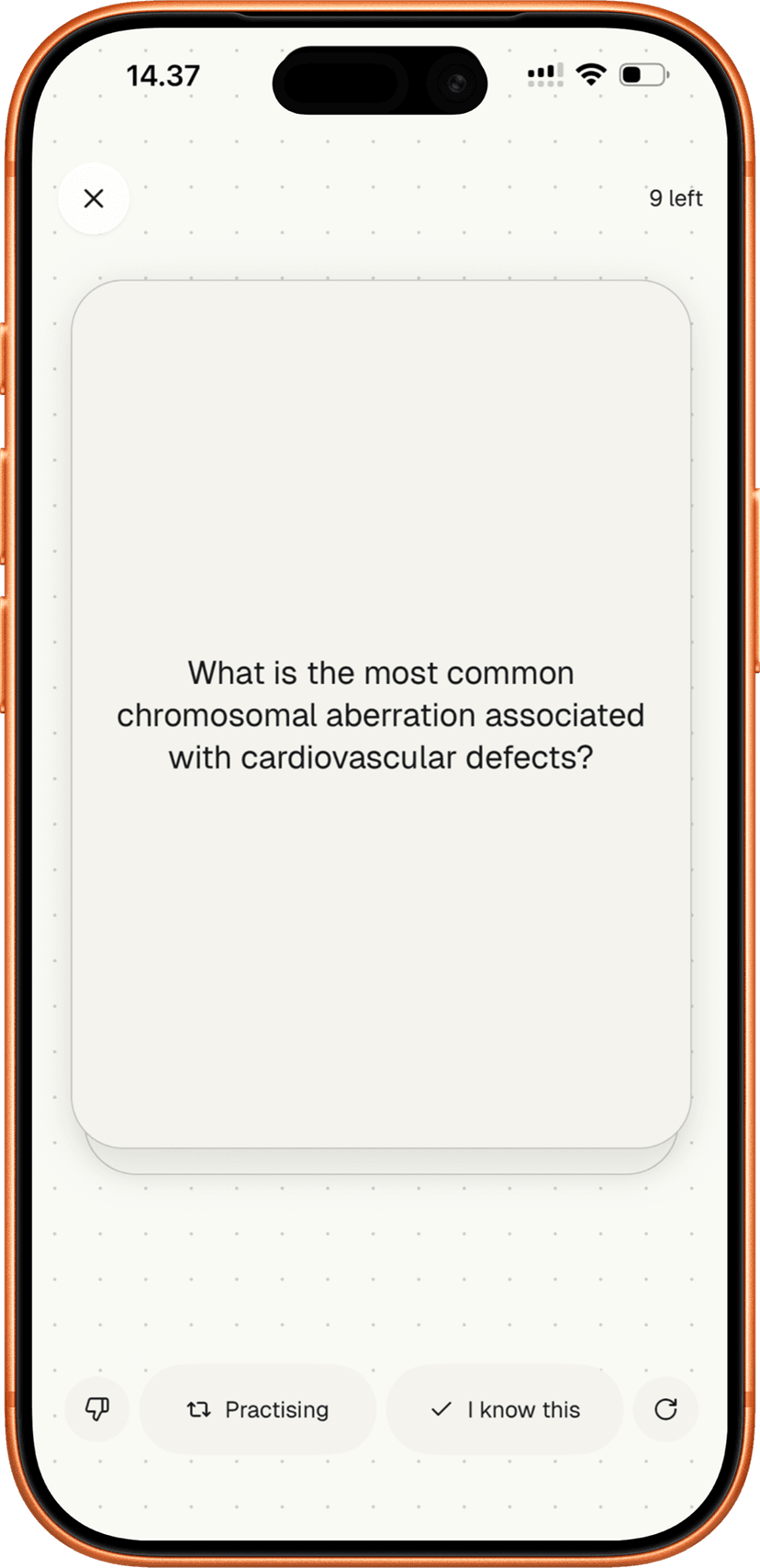
Who is Lexie for?
Lexie is for students who take retention seriously and want to spend their time studying, not creating study materials.
Medical students
Image occlusion for anatomy, practise exams for clinical reasoning, FSRS scheduling across every subject simultaneously. The same methods you'd use in Anki, without the hours of manual card creation.
Science students
Biology, chemistry, physics. Photograph diagrams, lecture slides, and textbook pages. Get flashcards, quizzes, and open-ended questions that test understanding, not just recognition.
Language learners
Matching pairs, typed recall, listening mode, tap-to-translate across 34+ languages. Photograph your vocabulary list and Lexie generates reading passages for comprehensible input, then tests you with active recall.
Law students
Practise exam questions that ask you to explain doctrine, analyse cases, and construct arguments in your own words. AI evaluates your written response and provides targeted feedback.
Exam preparation
GCSE, A-Level, AP, IB, university exams. Photograph your revision material and get practice matched to your specific content. Multiple question types mirror real exam formats.

Frequently asked questions
Take a photo of your notes, textbook, or lecture slides. Lexie generates a complete study set — flashcards, multiple choice, fill-in-the-blank, matching pairs, typed recall, and open-ended practise exam questions. The FSRS algorithm schedules your reviews automatically.
Yes. Lexie uses FSRS (Free Spaced Repetition Scheduler) — the same algorithm available to Anki users through add-ons. It models how your memory decays over time and schedules each card at the optimal interval. Built in from day one, no configuration needed.
Anki is free because it's a local scheduler — your device does all the work. No AI, no server calls, no cost to run.
Lexie uses AI to generate your study material, produce audio, evaluate your written answers, and provide feedback on every question. Every study set involves real compute. That's not free to run.
What that doesn't mean: your study materials don't go to a cloud database. Lexie is local-first — your cards and progress stay on your device. We don't store your content on our servers, and we never use it to train AI models. No ads. No data selling. The subscription covers the AI infrastructure, nothing else.
Yes. Many students use Lexie for rapid study set generation from new material and Anki for maintaining long-term decks they've already built. The methods are the same — active recall and FSRS spaced repetition — so the two tools reinforce each other. Lexie handles the creation. Anki handles the decks you've already invested in.
Not yet. Lexie doesn't support .apkg import. If you've built an Anki library over years, that investment stays in Anki.
Lexie works differently — instead of importing old decks, you photograph your source material and generate new study sets with multiple question types. Most students use Lexie for new material and keep Anki for existing decks.

Same study science. More practice modes. No setup.
Lexie uses FSRS spaced repetition, active recall, image occlusion with typed recall, and AI-evaluated practise exams — all generated from your own notes. 3 free study sets. No account required.